
Point of Sale System
Flexible cloud POS — no special hardware
An all-in-one POS that runs on a tablet or any device, managing branches, cashiers, inventory, and delivery from one dashboard — Arabic and English.
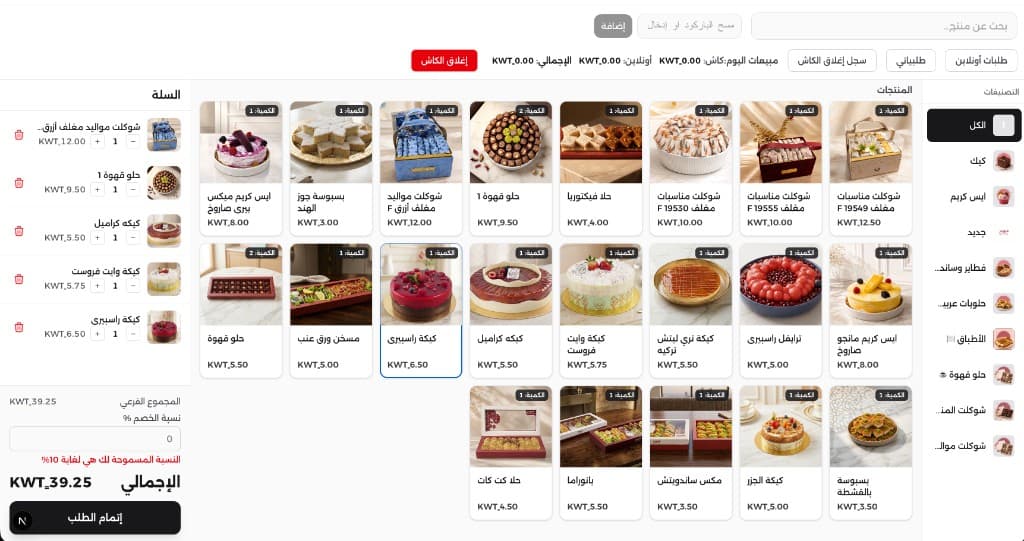
Inside the system
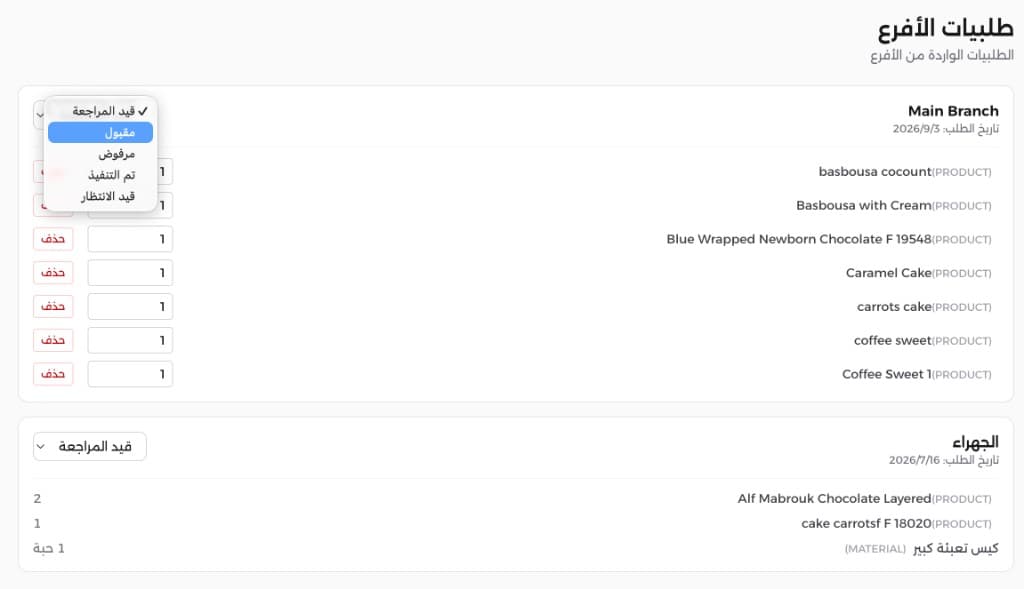
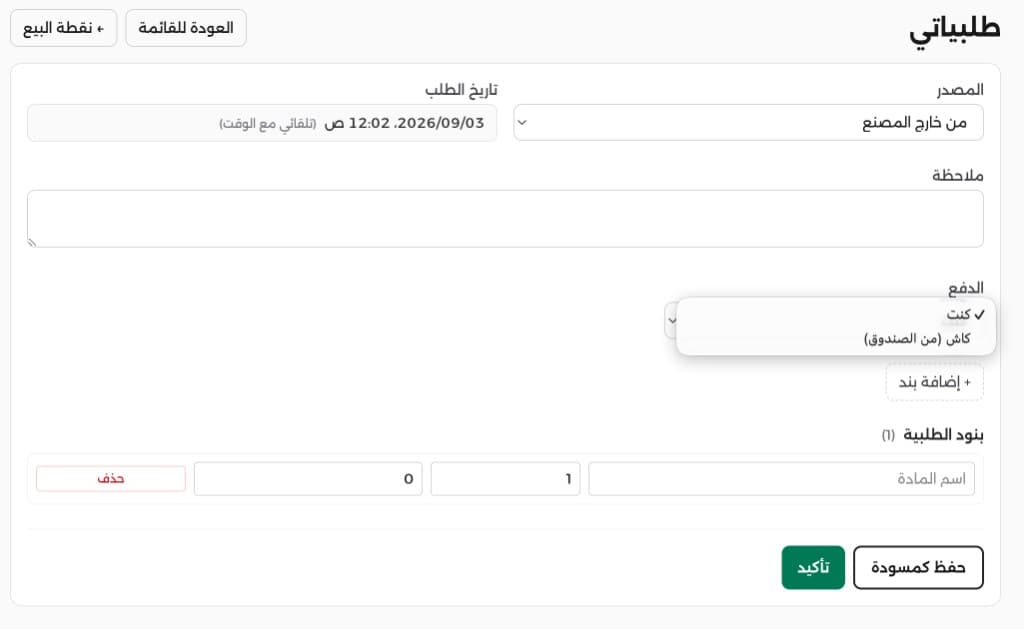
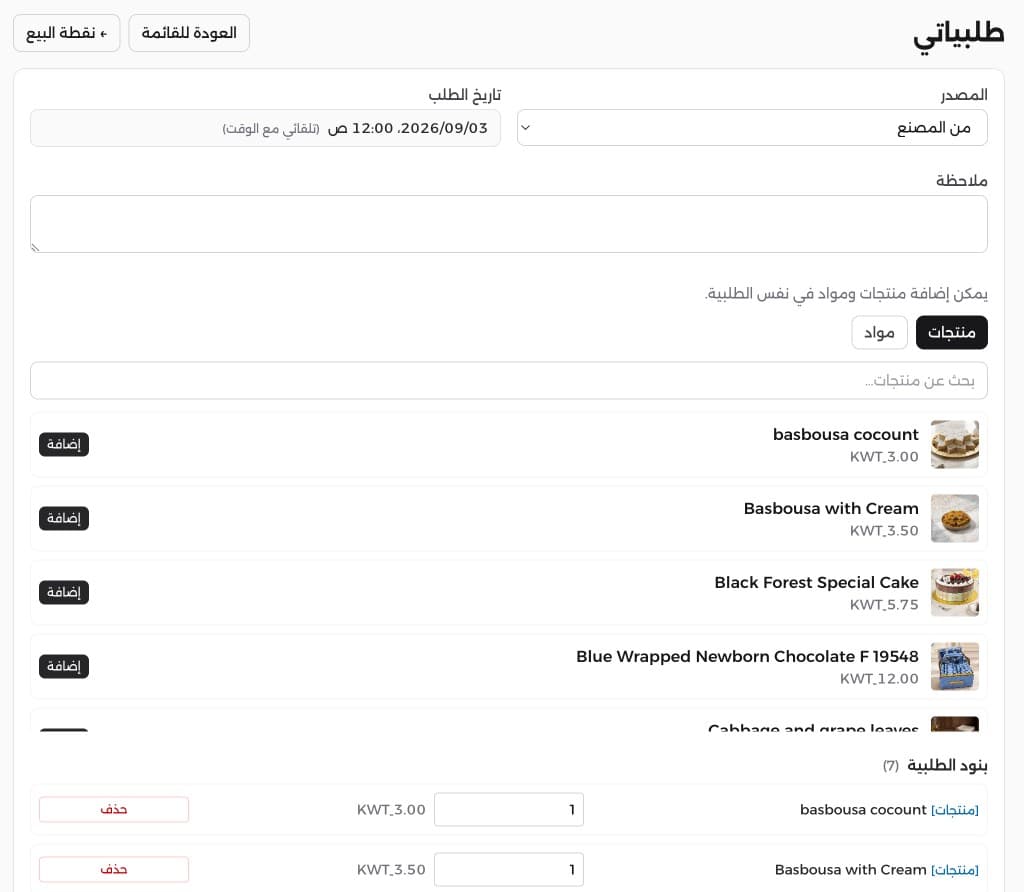
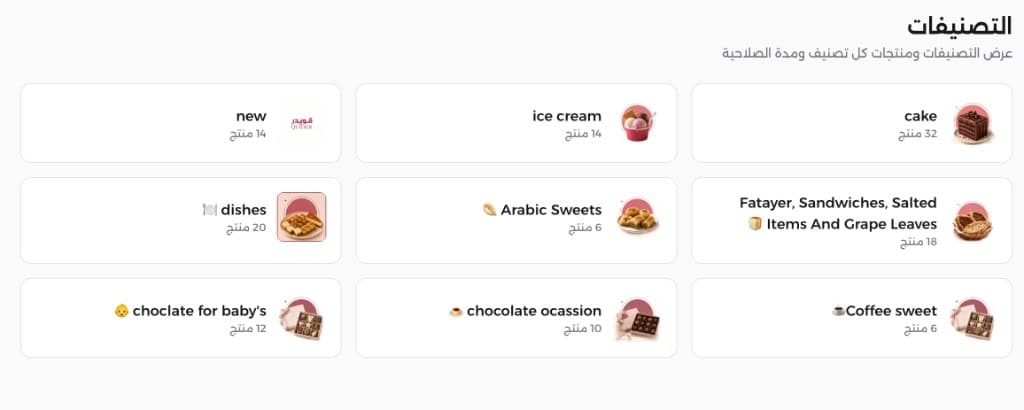
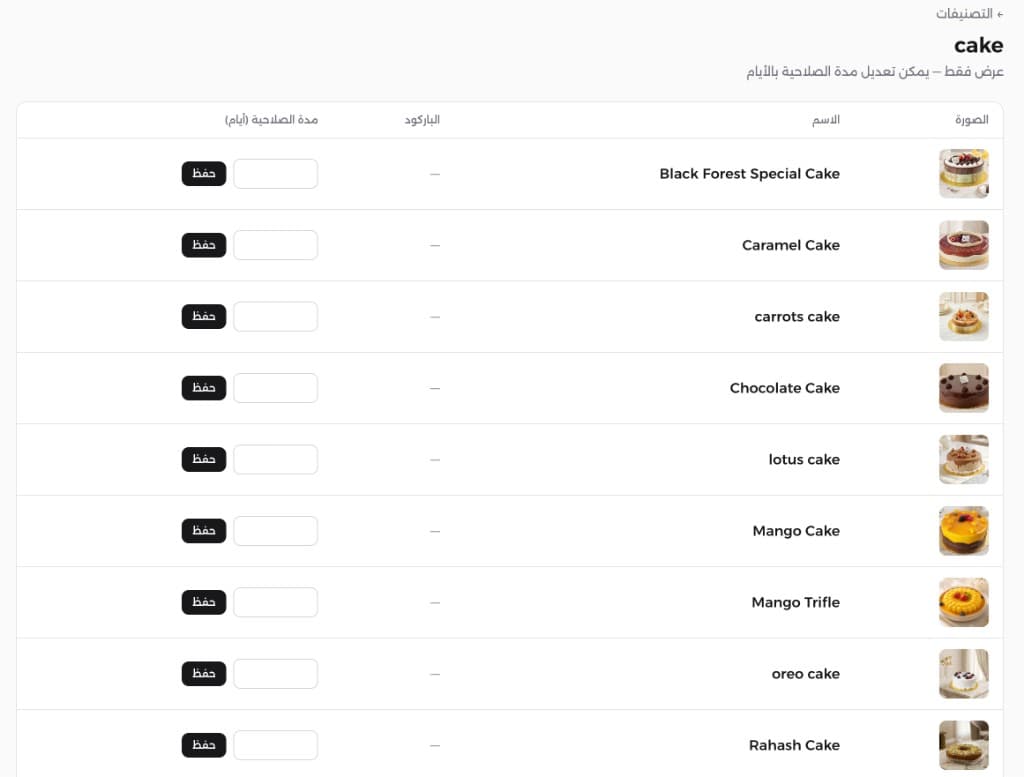
Real screens for sales, branch requests, categories, and product expiry
Why z-pos?
Runs on a tablet or any device — no dedicated PC
Multiple cashiers in the same branch
Discount limits per user
Live sales stats by branch and cashier
Barcodes, inventory, delivery, and daily cloud backups
Cashier & Sales
Fast checkout on any device
No dedicated computers
Run the system from a tablet, laptop, or any internet-connected device — no expensive POS hardware required.
Multiple cashiers per branch
Open several cashier stations in the same branch at once, with separate tracking for each.
Discount limit per user
Set the maximum allowed discount percentage for each user to reduce errors and unauthorized discounts.
Cash close with payment split
Close the till easily while separating online payments from cash for accurate end-of-shift settlement.
Products with images
Products appear with images for faster selection and fewer cashier mistakes.
Fast product search
Search by category, name, or barcode to find any product in seconds.
Barcodes & Products
Scan, type, generate, print
Scan or type barcodes
Scan with a reader or camera, or type the barcode manually to add products to the invoice instantly.
Generate and print barcodes
Create product barcodes and print them from the system for consistent coding across branches.
Product expiry control
Set expiry dates; the system automatically blocks sales after the date passes.
Branches & Inventory
Central control per branch
Products per branch
Control which products are available in each branch based on stock and assortment.
Inter-branch custody transfer
Transfer inventory custody from one branch to another with clear steps and a follow-up record.
Stock need requests
Branches submit stock need requests that go directly to the warehouse manager for action.
Delivery & Pickup
Orders organized through delivery
Delivery and pickup orders
Organize delivery or in-store pickup orders from one clear screen for cashiers and managers.
Drivers and order status
Add delivery drivers, assign their orders, and track each order’s status through completion.
Admin & Technology
Cloud, reports, and safety
Live sales statistics
An admin dashboard shows sales in real time by branch and cashier for faster decisions.
Arabic and English
The full interface supports both Arabic and English.
Cloud storage
Cloud-ready system — no local servers or on-site hardware maintenance needed.
Daily backups
Automatic daily backups keep your operations and reports safe.
With z-pos, checkout is faster, branches are clearer, and inventory and delivery stay under control — from any device.
z-pos — Frequently Asked Questions
- Do I need special POS hardware?
- No. z-pos runs on a tablet or any internet-connected device without dedicated POS computers.
- Can I run more than one cashier in the same branch?
- Yes. You can open multiple cashier stations in one branch and track each cashier’s sales separately.
- How are discounts controlled?
- You set the maximum allowed discount percentage for each user so cashiers cannot exceed the approved limit.
- Does it support barcodes and multi-branch inventory?
- Yes. It supports scanning, typing, generating, and printing barcodes, plus per-branch products, custody transfers, and stock need requests.
- Where is the data stored?
- Data lives in the cloud with daily backups — no local servers in the branch.